

How Reqtify works
Four steps from job description to confident submittal. Most of the heavy lifting happens in minutes.
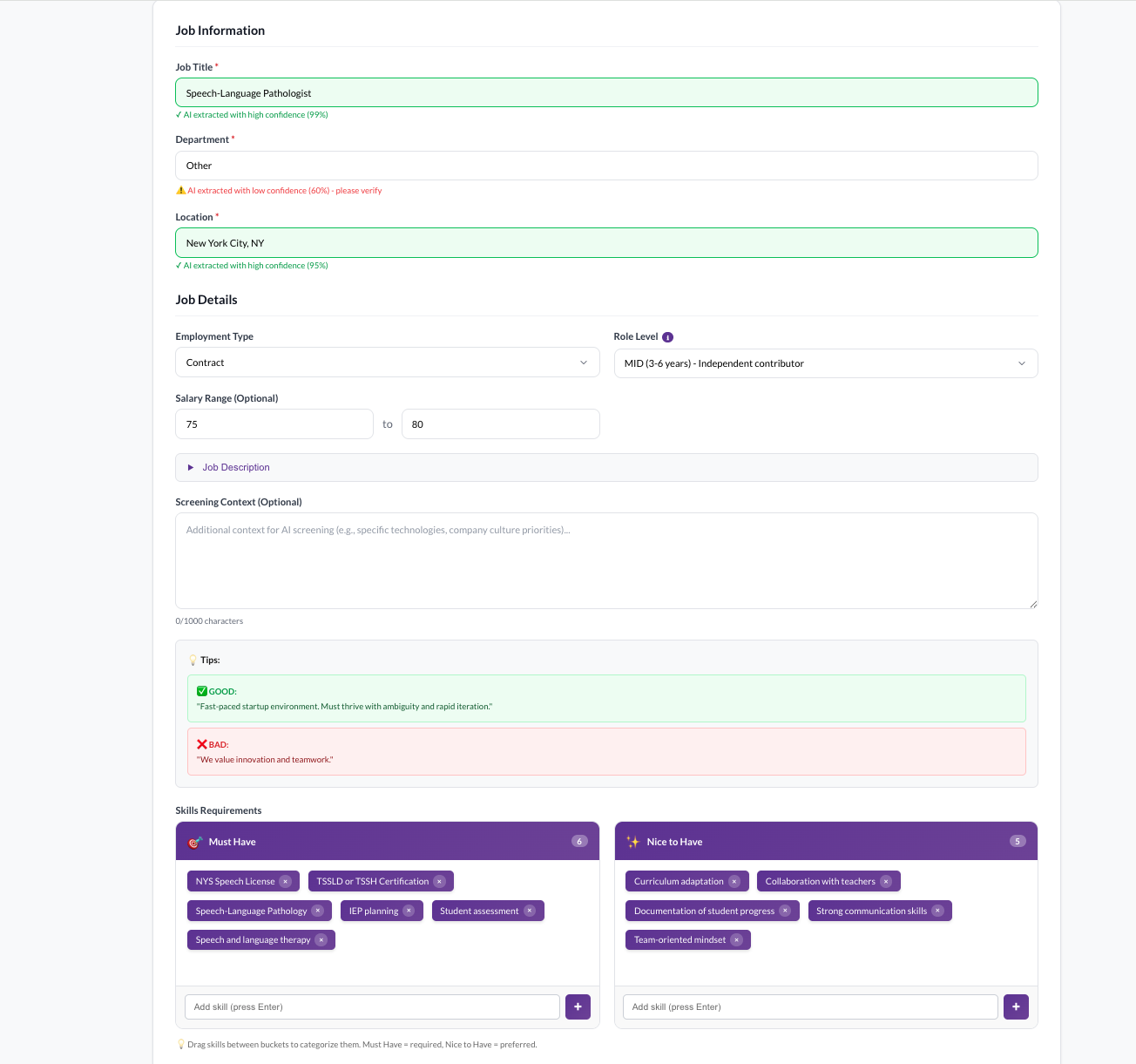
Add your job description and context
Paste or upload a job description. Then add the details that matter to your search: must-have skills, nice-to-haves, preferred companies, certifications, or any other context that helps Reqtify understand what a great candidate looks like for this role.
- Paste or upload any JD format
- Define must-haves and nice-to-haves
- Add preferred companies, certifications, or industry context
- Set the criteria that matter to your client or hiring manager
Contextual evaluation
Add preferred companies, certifications, and industry context so rankings reflect what actually matters.
Call notes integration
Add your call notes or paste a transcript to improve match accuracy and submittal quality.
Upload resumes — get ranked results with reasoning
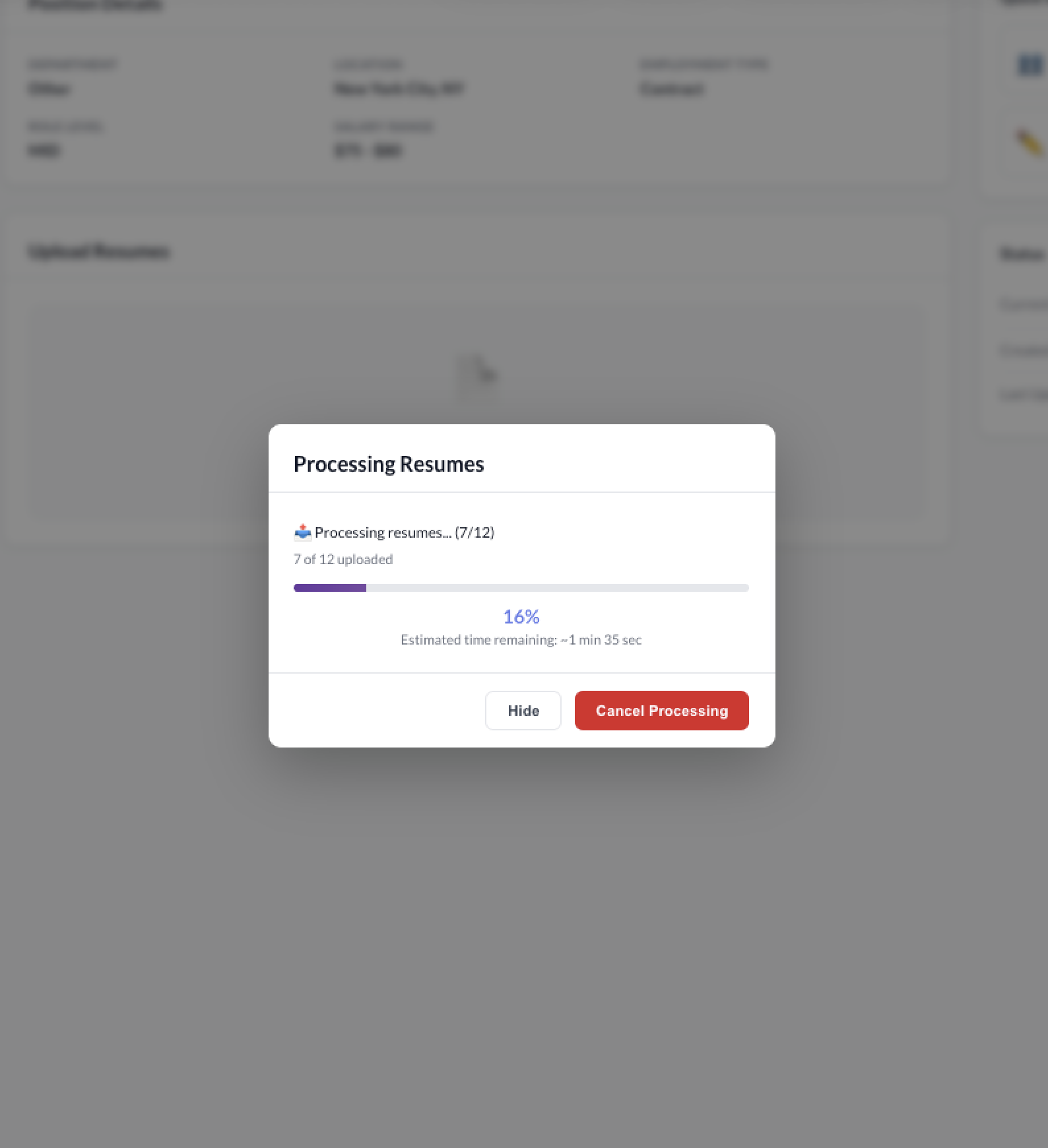
Drop in up to 50 resumes at once. Reqtify evaluates each candidate against your job description and context, then ranks them into clear tiers with explanations you can actually use.
- Batch upload up to 50 resumes
- Candidates ranked: Top Match, Good Match, Weak Match, Not Qualified
- Each ranking includes clear reasoning and evidence
- Gap analysis highlights what's missing vs. requirements
Batch resume upload
Upload up to 50 resumes at once. No one-at-a-time bottleneck.
Tiered candidate ranking
Every candidate ranked as Top Match, Good Match, Weak Match, or Not Qualified — with clear reasoning.
Gap analysis
See exactly where each candidate falls short against must-haves and nice-to-haves.
Generate targeted interview questions
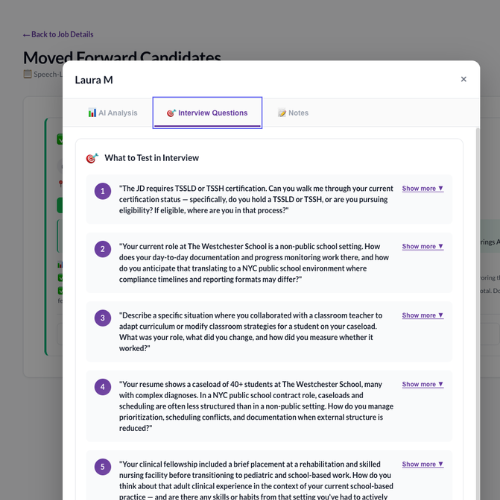
For each candidate, Reqtify generates interview questions specifically designed to validate gaps and risk areas identified in the evaluation. No more generic question lists — these are targeted to what you need to confirm.
- Questions target specific gaps from the evaluation
- Validates skills, experience, and risk areas
- Generated in under 1 minute
- Replaces 20+ minutes of manual JD-to-resume comparison
Targeted interview questions
Questions generated from each candidate's specific gaps — not generic templates. Validate what matters.
Risk flagging
Potential red flags surfaced with severity levels so you know what to probe during the interview.
Produce a job-optimized resume and submit
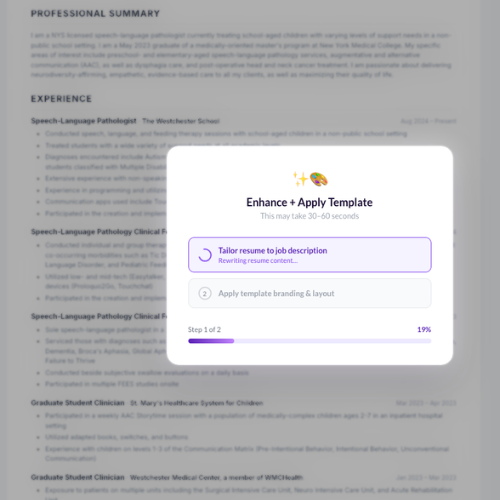
When you move a candidate forward, add your call notes or transcript. Reqtify combines the original resume, evaluation data, and your notes to generate a job-optimized resume — formatted in your customer-branded template. No Reqtify watermark. Your brand, your output.
- Add call notes or paste a transcript
- Resume optimized for the specific job description
- Formatted in your customer-branded template
- No Reqtify watermark — your brand only
- Ready to submit to your client or hiring manager
Job-optimized resume generation
Reqtify produces a resume tailored to the specific job description — highlighting the right experience and skills.
Customer-branded templates
Admins configure layout, fonts, logo placement, and colors. Every output matches your brand — not ours.
No watermark
Your outputs carry your brand only. No Reqtify branding on candidate-facing documents.
Contact info removal
Optionally remove candidate contact information from submissions when required by your client.
Outlook + Gmail email integration
Connect your company Outlook or Gmail so recruiters can email candidates and send client submittals in one click — without switching apps.
See it all in action
Watch the full walkthrough — from job description to client-ready submittal.
This is a quick visual walkthrough. For the best experience, watch for the on-screen changes as Reqtify moves from ranking to interview questions to branded output.
Watch for:
- Paste a job description + context
- Upload up to 50 resumes at once
- Explainable ranking (not a black-box score)
- Gaps + risk flags → targeted interview questions
- Export a job-optimized, client-branded resume (no watermark)
Have questions?
We're happy to walk you through the details, answer questions about your workflow, or help you figure out if Reqtify is a good fit.